Sponsors
Upload sponsor logos and rotate them on air as a strip, a ticker or a full-screen card.
Add sponsors
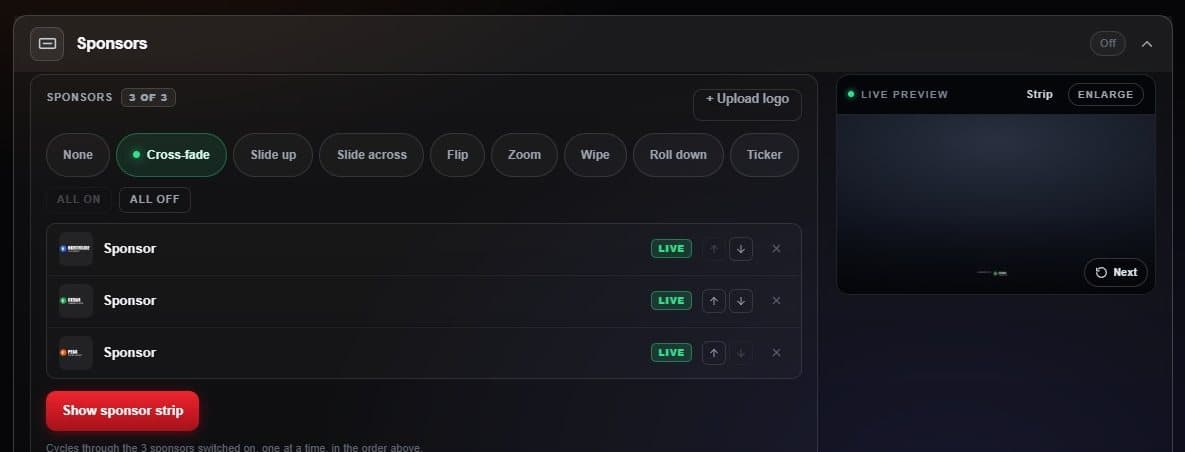
- Upload logo PNG or SVG with a transparent background works best, up to 5 MB.
- Transition Cross-fade, slide, flip and more — or Ticker to crawl them all.
- Live or benched Bench a sponsor without deleting it; arrows reorder.
- Show sponsor strip Puts the rotating strip on air.
Each sponsor holds for six seconds before the next. The ticker hides itself while a goal or card bar is up. For a moment of its own, put up the Sponsor card under Broadcast extras.