LIVE and REPLAY bugs, and your broadcaster mark
Add a LIVE corner bug and put your production company’s logo on every board.
LIVE and REPLAY
Under Overlay layout, turn on the LIVE bug and give it your own text if you like. The REPLAY bug sits beside it during replays. Both share one of nine styles, one size and one corner, so they always match — and they step aside if the scorebug is in that corner.
Your broadcaster mark
Upload your logo once under Account settings → Broadcast identity and every board you own inherits it. Then place it per board in the Broadcaster section.
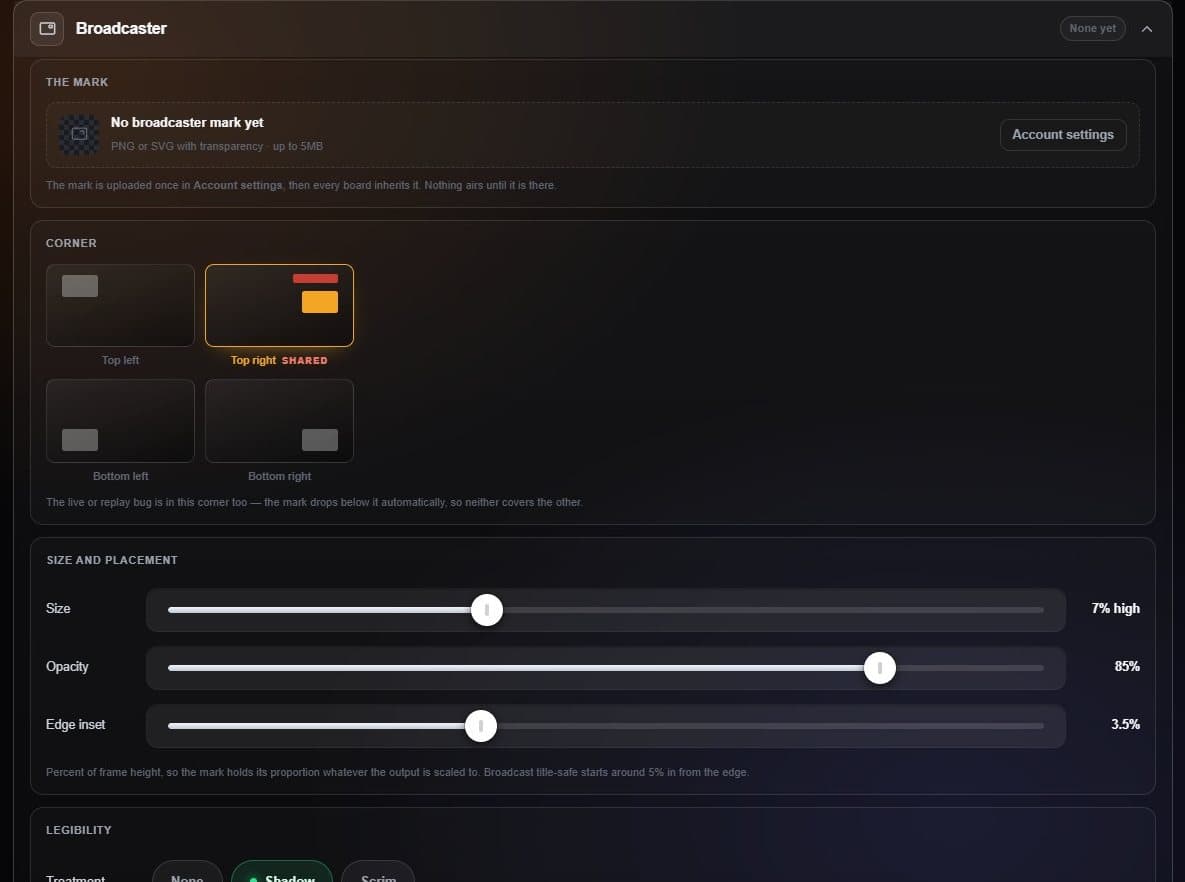
- Account settings Where the mark is uploaded.
- Corner Any corner; it warns if a bug already uses it.
- Size and opacity Size, opacity and distance from the edge.