Full-screen cards and match stats
Put up an intro, half-time, final-score or sponsor card, and choose from 246 looks.
Put a card up
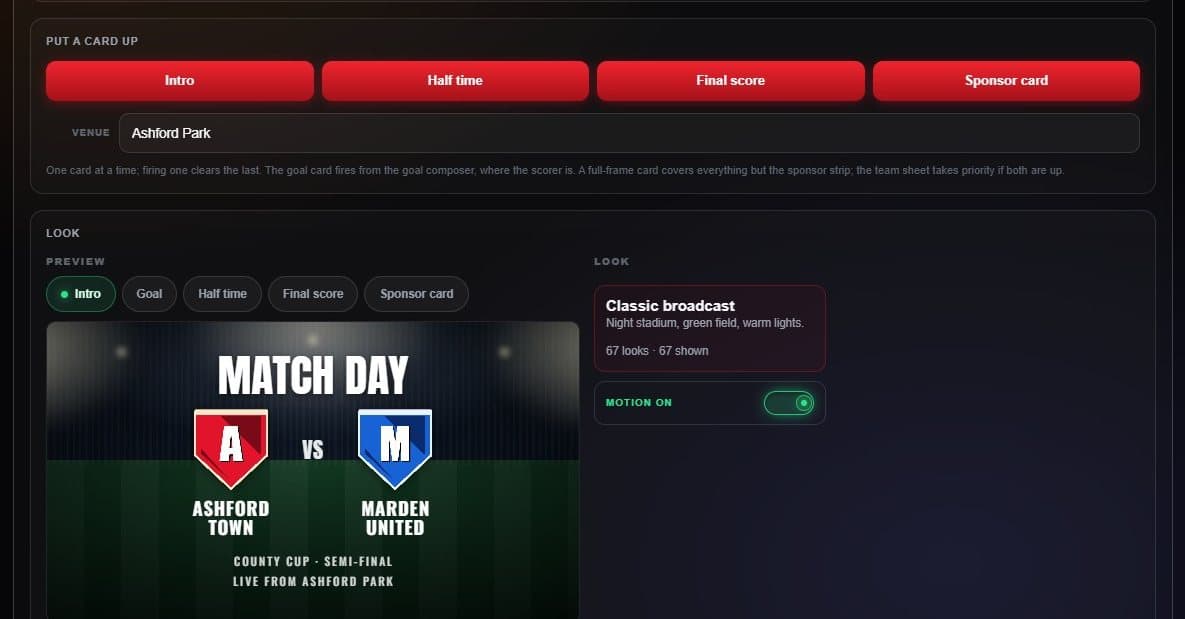
- Cards Intro, Half time, Final score and Sponsor card. One at a time.
- Venue Shown on the intro card as “Live from…”.
- Preview Draws with this board’s real crests and names.
- Motion Animate the background, or hold it still.
The wording follows the sport and the clock: Match day or Game day, Half time or Intermission, Full time, Final or Final / OT.
Pick a look
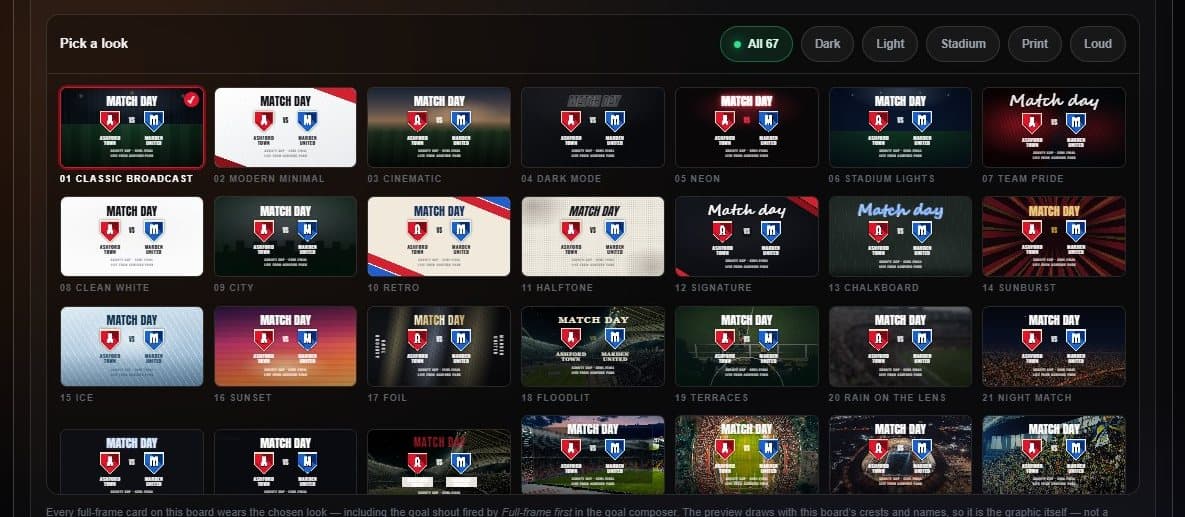
- Filters Dark, Light, Stadium, Print and Loud.
- Looks Designed grounds plus real venues for your sport.
Match stats
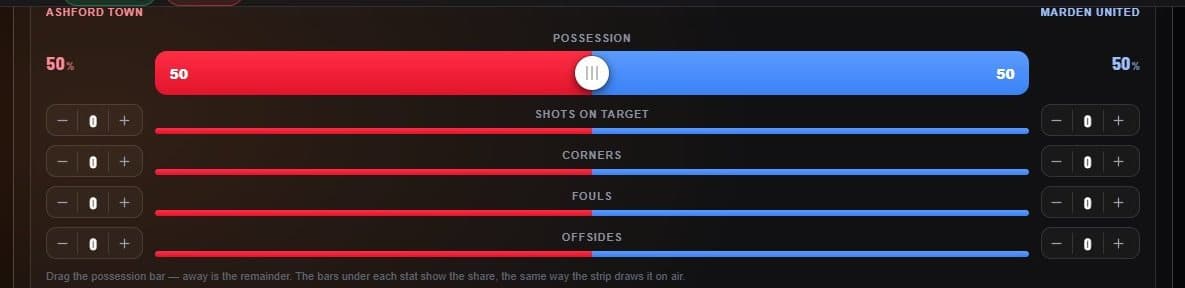
- Possession Drag the bar; the away side is the remainder.
- Counts Shots on target, corners, fouls and offsides.