Lower thirds: entrances, speed and size
Set how every bar arrives, how fast, and how big — once, for the whole package.
One setting for every bar
Open Overlay layout in the control deck and pick the Lower thirds tab. Choose the side the bars show up on, their size and their speed; the entrance itself is picked under the preview. Side and size are also on the Bars tab — they are the same settings.
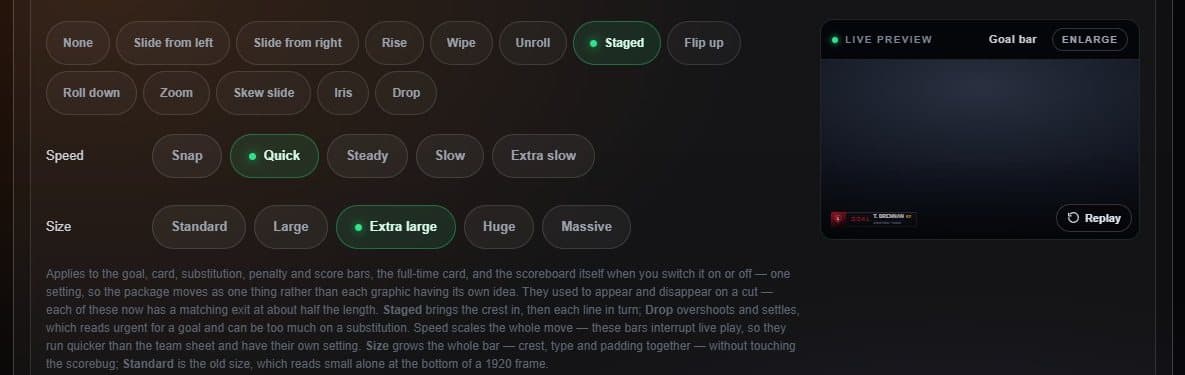
- Entrance Thirteen moves, each with a matching exit.
- Speed Snap to Extra slow.
- Size From 5% to 17% of the frame height.
- Live preview Replays the entrance every time you change it.
The setting applies to goal, card, substitution, penalty and score bars alike, so the broadcast moves as one package. Staged brings the crest in and then each line; Drop overshoots and settles, which suits a goal.