Export or delete your data
Download everything your account holds, or delete the account for good.
Download your data
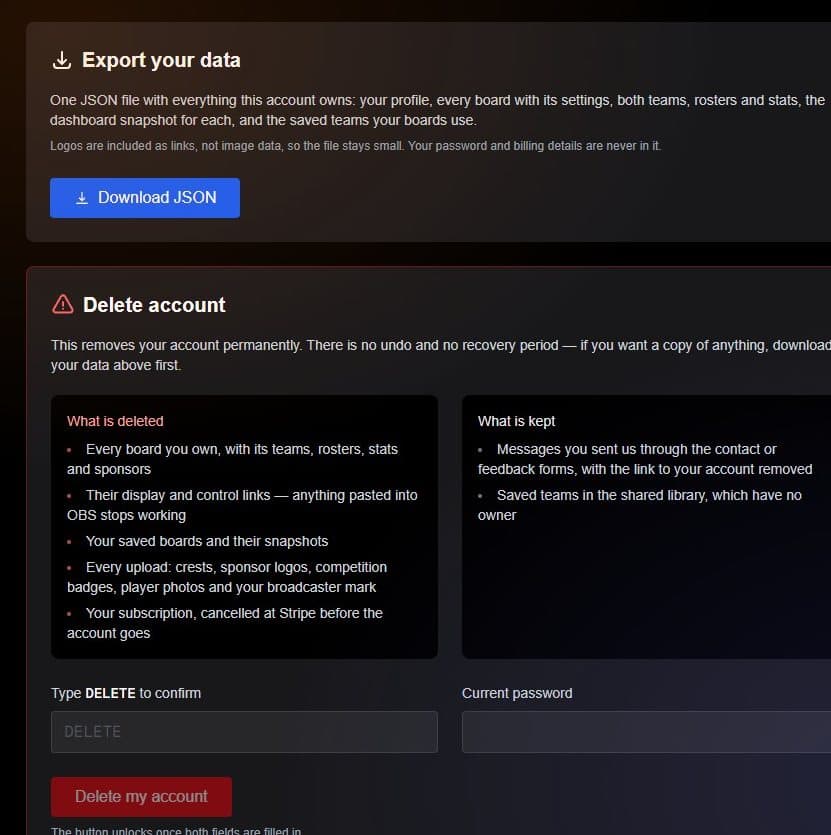
- Download JSON Your profile, boards, teams, rosters and stats.
- Type DELETE Plus your password, to confirm.
- Delete my account Unlocks once both fields are filled in.
To export a single board, use Download board data from its menu on the dashboard.
Delete your account
Deleting removes every board you own and their links, your saved boards, your uploads, and cancels any subscription. It happens straight away and cannot be undone, so download your data first. Messages you sent us through the contact or feedback forms are kept, without the link to your account.
See the privacy page for what ScoreKeeper stores.