How can we help?
Step-by-step guides with pictures of the real app, from your first board to a full broadcast package.
/
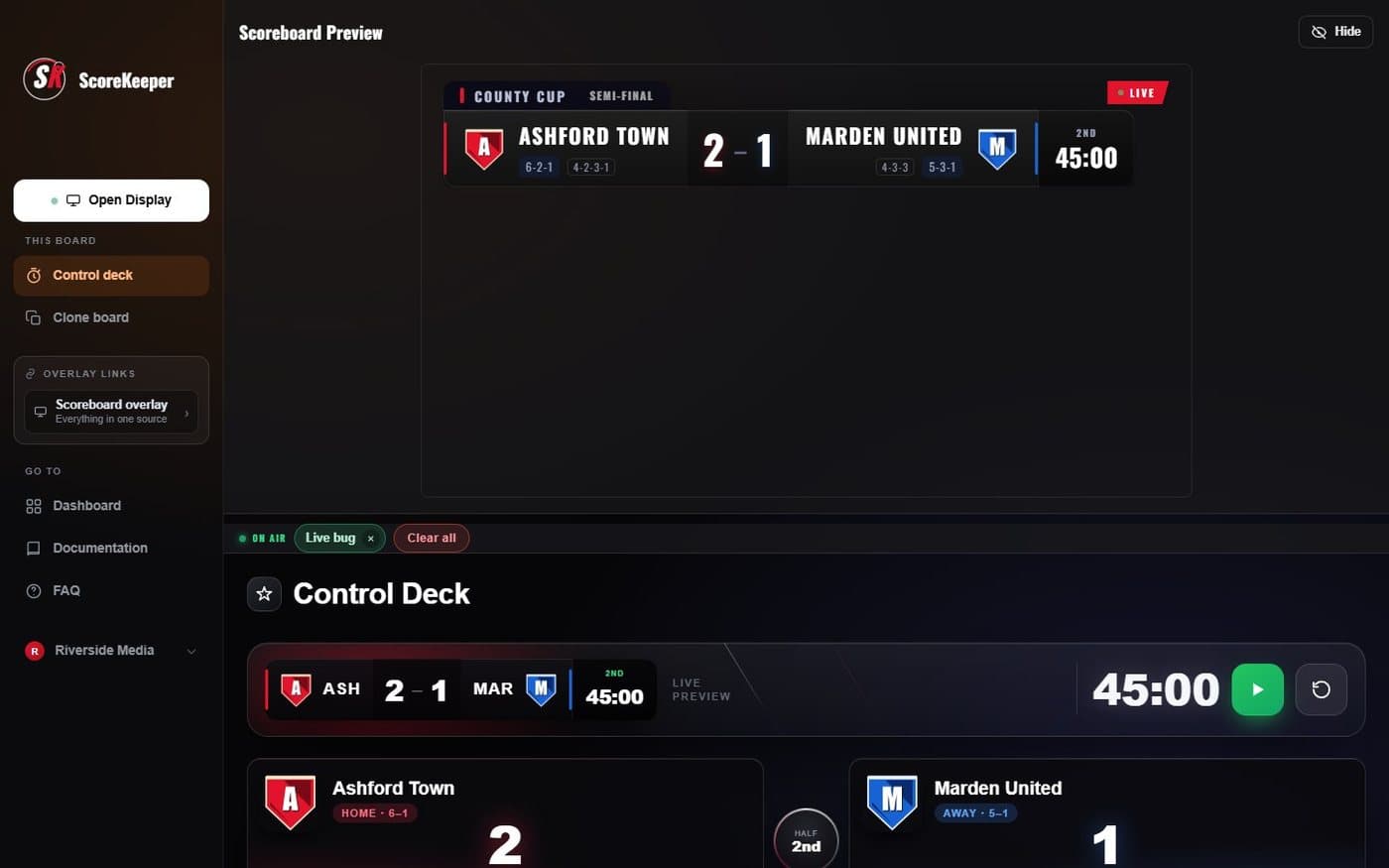
Put your first game on air
Three steps, about 5 minutes, any sport.
- Create a board and pick your sport
- Score and start the clock
- Copy the display link into OBS
Getting started
Your first board, your first game on air.
Put your first game on air5 minCreate and manage boards3 minDashboard layouts and the Planner3 minStreaming
OBS, links, TVs and sharing.
Add ScoreKeeper to OBS4 minShare a board: display and control links3 minShow the board on a TV or projector2 minRunning a game
The control deck, clock and scoring.
A tour of the control deck4 minClock, periods, half time and full time4 minGoals, cards and substitutions4 minThe On-air strip, Clear all and Undo2 minRun a game from your phone2 minGraphics
Scorebugs, lower thirds, cards and sponsors.
Scorebug style, fonts and colours3 minLower thirds: entrances, speed and size2 minFull-screen cards and match stats3 minSponsors2 minLIVE and REPLAY bugs, and your broadcaster mark3 minPenalty shootout2 minTeams
Names, crests, rosters and team sheets.
Teams, crests and rosters4 minTeam sheets (line-ups)3 minAccount & help
Plans, your data and getting in touch.
Plans and billing2 minExport or delete your data2 minGet help and send feedback2 minStill stuck?
Write to the people who build ScoreKeeper. It goes straight to our inbox and the reply comes by email.